I save important things “for later”.
Then I can never find them again — they disappear somewhere between chats, folders, and screenshots.
Your AI-powered memory for notes, files, screenshots, links, and ideas.
Try it for Free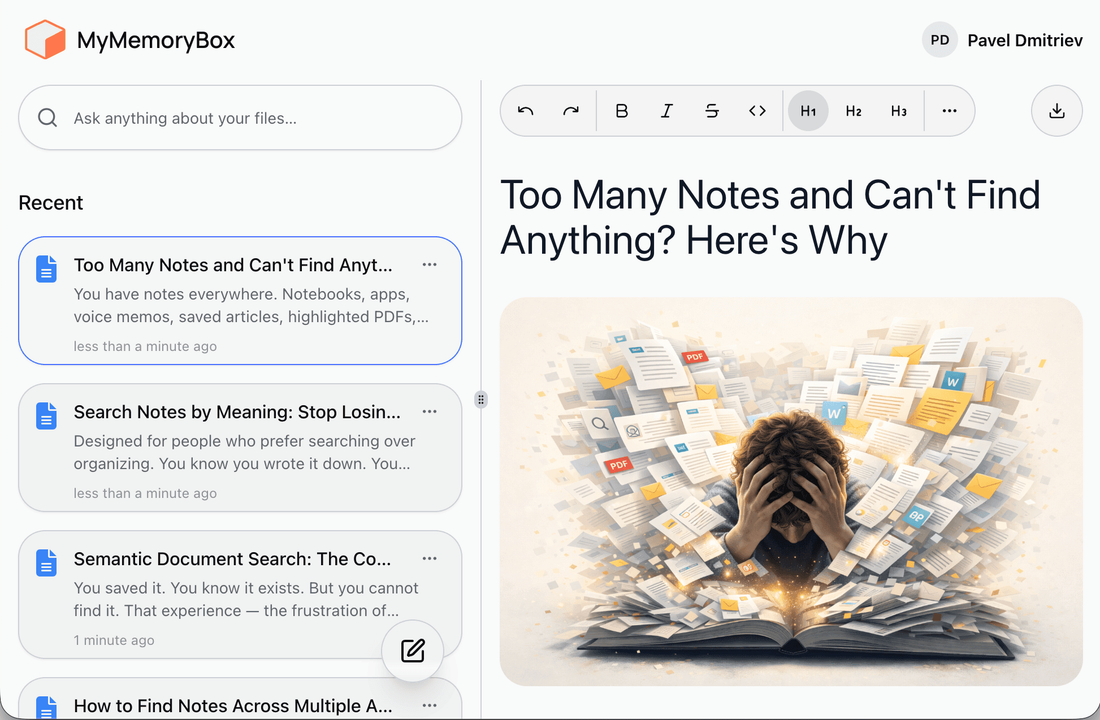
We all save notes, photos, and documents — but when we need them, they’re gone.
Then I can never find them again — they disappear somewhere between chats, folders, and screenshots.
Notes in Telegram, photos in the gallery, PDFs in Drive — and I never remember where anything actually is.
No folders, no tags, no structure — just a growing pile of stuff I keep meaning to sort out “someday”.
That one document, the flight confirmation, the embassy file — always missing right when I need it most.
Until you realize they only work if you stay perfectly organized — and who really does that?
The chaos disappears once everything lives in one private, searchable place.
All your notes, photos, and documents — finally together.
Find things by meaning, not exact names. Try “trip to Rio in January.”
Forget about folders and tags — just drop things in.
Your data stays yours. Nothing shared, nothing used for training.
Data access requires authentication. Each account has isolated data. You can delete your data at any time.
It’s simple — add, store, search.
Step 1
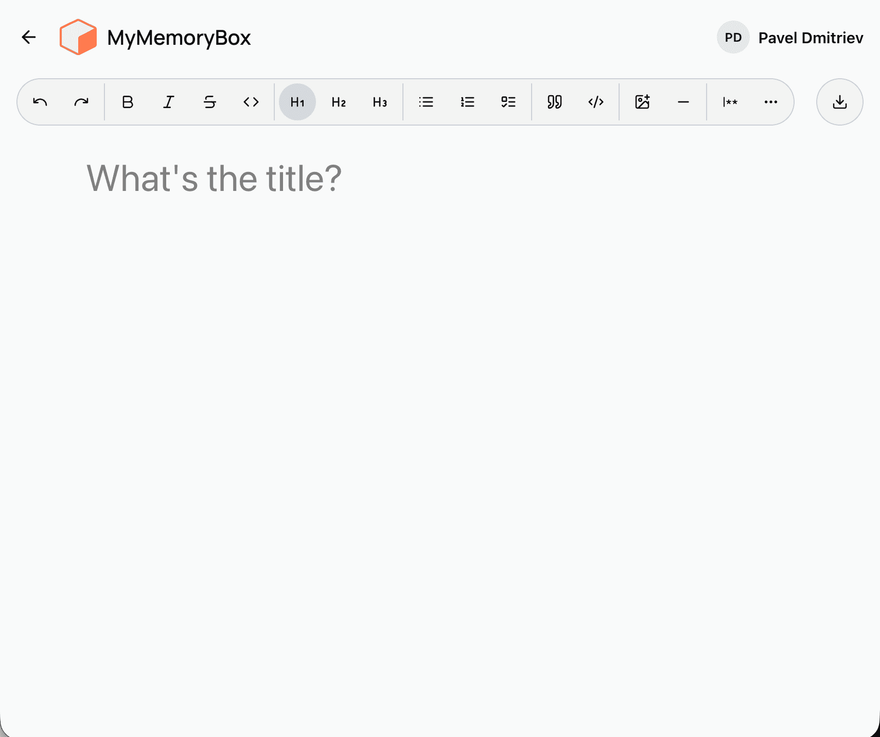
Create notes or upload PDFs, images, or documents — texts, receipts, trip plans, everything.
Step 2
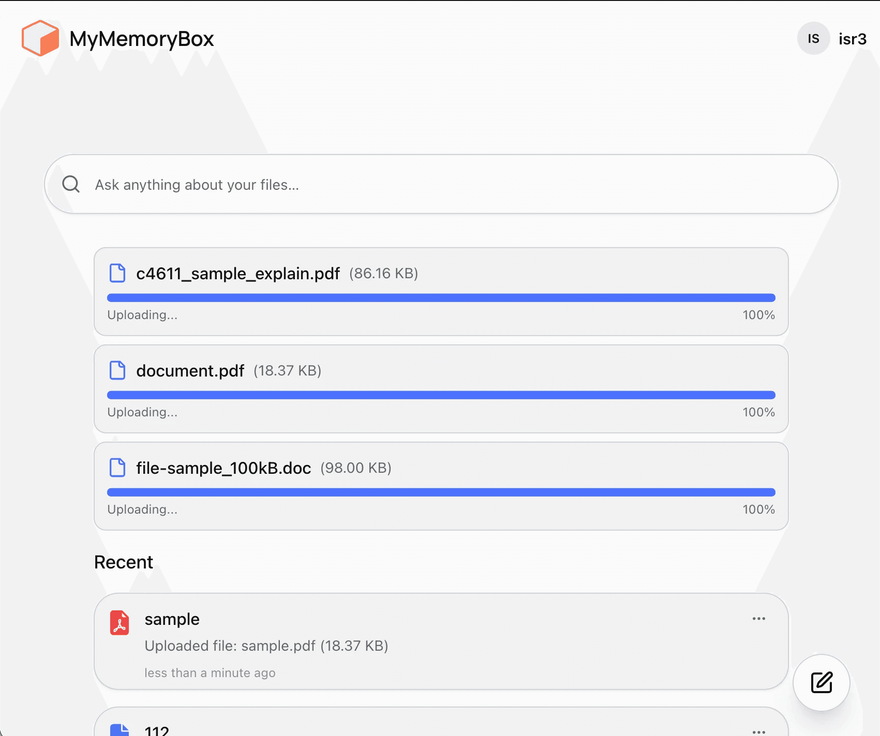
MemoryBox analyzes document content and creates semantic representations. Search results are ranked by similarity between your query and stored content.
Step 3
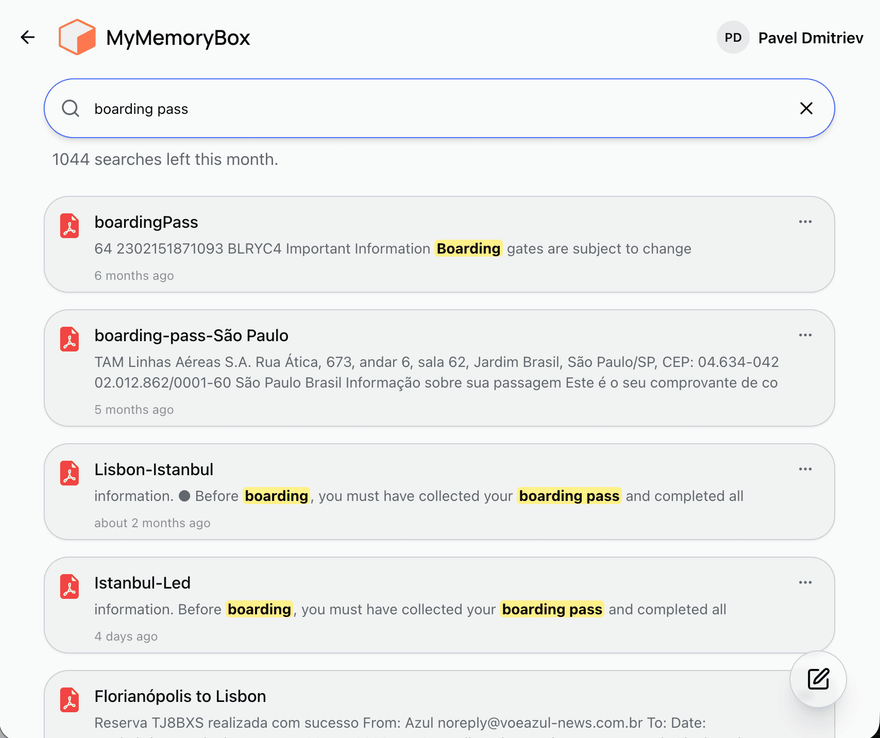
Type “my daughter’s birth certificate” — and it finds it instantly.
Step 4
Your notes and memories are always with you — just open your browser.
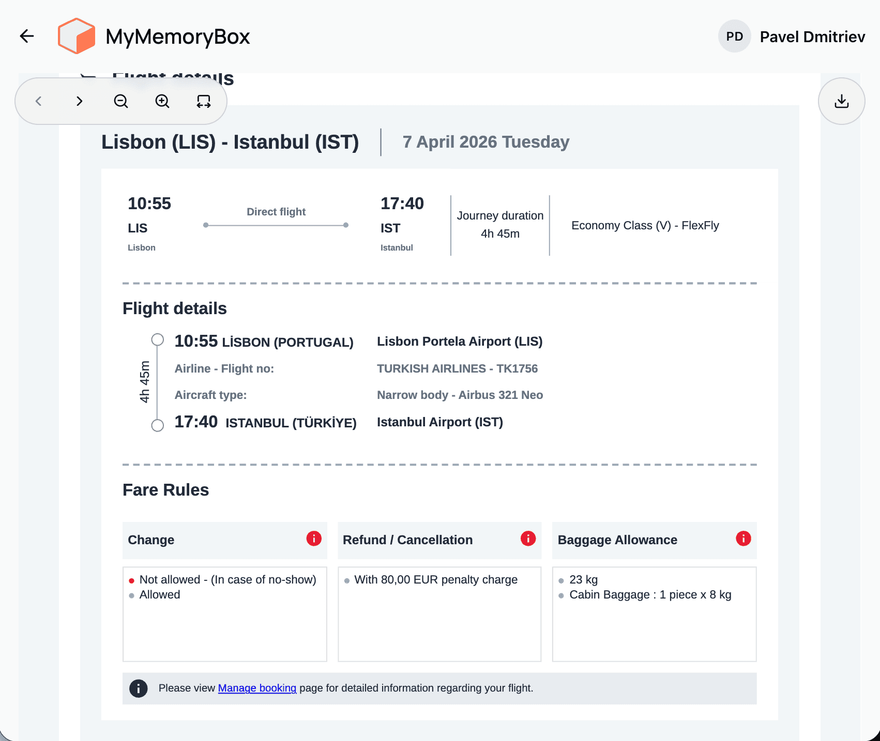
Real benefits you’ll notice right away — simplicity, clarity, and peace of mind.
Find anything in seconds — even that random note or file you saved months ago.
Stop worrying about losing your files or ideas. MyMemoryBox quietly keeps everything safe and searchable.
No need to tag or categorize — it just works. MyMemoryBox understands what’s inside your files and makes sense of it all.
Choose the plan that fits how you save things.
$0/month
Ideal for first-time users
Try the basics. Upload, search, and feel the power of having your memory in one place.
$10/month
Best for everyday use
For those who save things regularly — from articles to scanned docs.
$18/month
Built for power users & digital memory keepers
Save your knowledge, ideas, and archive your life with ease.
Answers about features, search and data access.
MyMemoryBox is a web application for storing personal notes and files with semantic search.
After you upload a file or create a note, the system analyzes its content. You can later search using a natural language phrase. Results are matched by meaning, not only by exact words.
No. You can save information without creating folders or assigning tags.
Text notes, PDF files, Microsoft Office documents, images.
Your data stays yours. Nothing shared, nothing used for training.
Data is stored in secure cloud infrastructure. Access is restricted to the account owner.
Yes. You can delete notes and files from your account. Deleted data is permanently removed.
Integration with Google Drive is already available. Support for additional external storage services is planned for future versions.
Keep everything you care about in one private, searchable place — and find it when it matters most.
Start for free